Print a Mindfulness Journal Like a Real Workbook
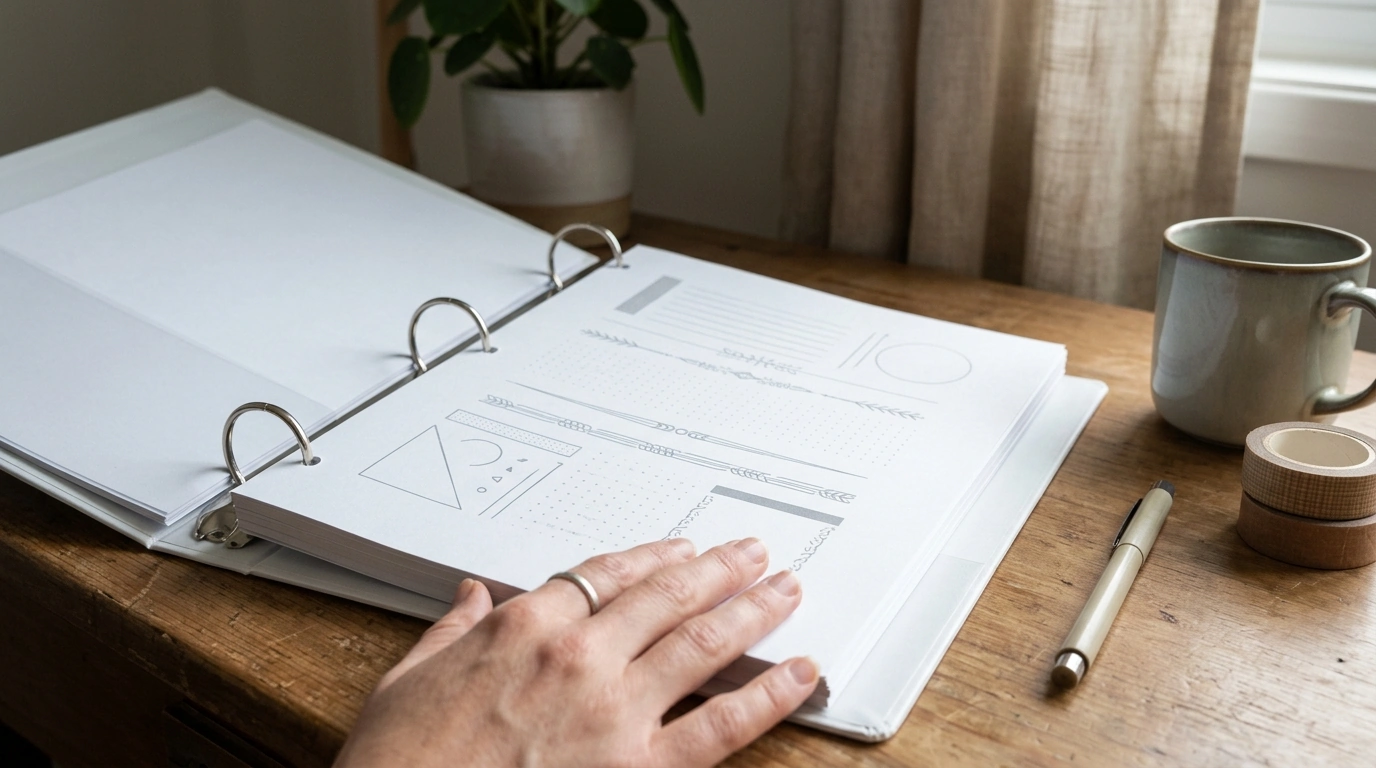
How do I print a printable mindfulness journal so it looks like a real workbook (paper size, margins, and scaling)?
To make a printable mindfulness journal feel like a polished workbook, start by matching the file’s intended page size, locking in consistent margins, and printing at the correct scale. Most “workbook-style” journals are designed for either US Letter (8.5″ x 11″) or A4 (8.27″ x 11.69″). Open the PDF and confirm the page size in your print dialog before you hit Print—mismatching Letter vs. A4 is the fastest way to get clipped edges or odd white borders.
1) Choose the right paper size
If you’re in the U.S., pick Letter unless the download specifically says A4. If the journal has full-page borders or edge-to-edge design, using the wrong size can chop off lines or prompts near the edges. For a sturdier “real workbook” feel, consider 24–32 lb paper for writing pages and cardstock for a cover.
2) Set margins so nothing gets cut off
Home printers can’t usually print to the very edge. If your journal has content close to the margins, select an option like “Fit to printable area” (wording varies by printer). If you’re binding the pages (staple, coil, or ring), add extra space on the binding side by printing as booklet when available, or by leaving a wider inner margin if the PDF includes that layout.
3) Use the correct scaling (the most important step)
For workbooks with writing boxes, trackers, or checklists, choose “Actual size” or 100% scaling whenever possible. Avoid “Fit” unless you’re seeing clipping, because “Fit” can shrink the page and make writing areas feel small. If the journal includes a test square (often 1″ x 1″), measure it with a ruler after printing one page—then adjust only if needed.
4) Do a one-page test print
Print a single page that includes lines, boxes, or a header/footer. Check that nothing is cut off, handwriting space feels comfortable, and page numbers (if any) are centered. Once it’s right, print the full set and bind for a true workbook look.
For a more detailed walkthrough and printer-setting examples, visit the full guide here.
FAQ
What’s the best way to bind printed journal pages at home?
For a workbook feel, coil binding is the closest match and lays flat for writing. A budget-friendly option is a 3-ring binder with hole-punched pages, or a stapled booklet for shorter journals (roughly 20–40 pages depending on paper weight).
















Leave a comment